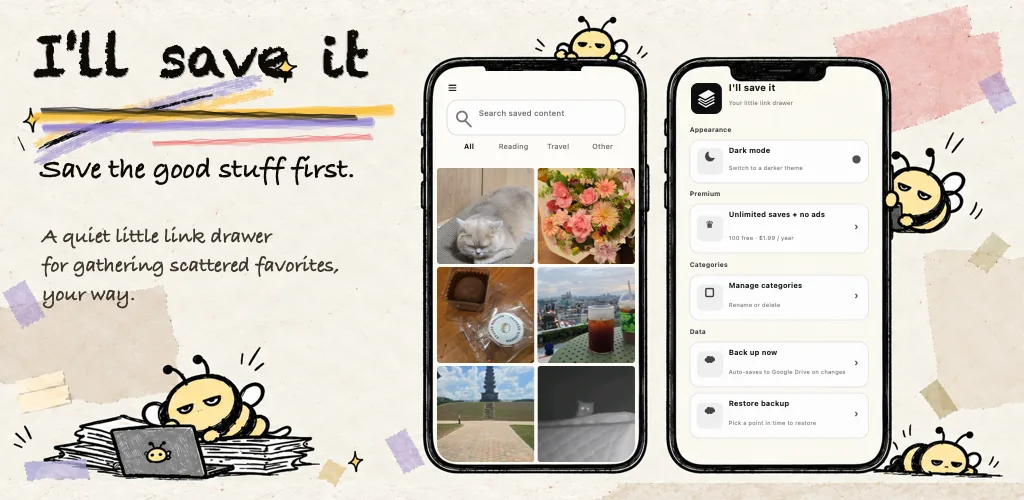
You saved a restaurant on Instagram, a parenting tip on Facebook, and a recipe on TikTok or YouTube Shorts, all "for later." Then later comes, and you spend ages scrolling through your saved list trying to find it. Sound familiar?
I'll Save It fixes exactly that. It's an Instagram saved posts app and search app in one: it collects everything you find online (Instagram, Facebook, TikTok, YouTube Shorts, websites, images) in one place, and lets you search your saved posts by keyword so you can find old saves in seconds. Here is what I found after using it.
The problem with Instagram saved posts: you can save, but you can't search
Instagram, Facebook, TikTok, and YouTube all let you save things. The problem is that none of them let you search inside what you saved.
- Your Instagram saved posts are just a grid of thumbnails in date order. To find a post you saved months ago, you have to scroll and scroll.
- Facebook saved items can be listed, but there's no quick way to find one by keyword.
- TikTok favorites and saved YouTube Shorts pile up fast. TikTok search and Shorts search look through every video on the platform, not just the ones you saved.
- On top of that, your saves are scattered across browser bookmarks, notes, and messages to yourself.
So you end up thinking "I definitely saved this…" and give up after scrolling forever. If you can't find something again, you might as well not have saved it.
The key feature: search your saved Instagram and Facebook posts instantly
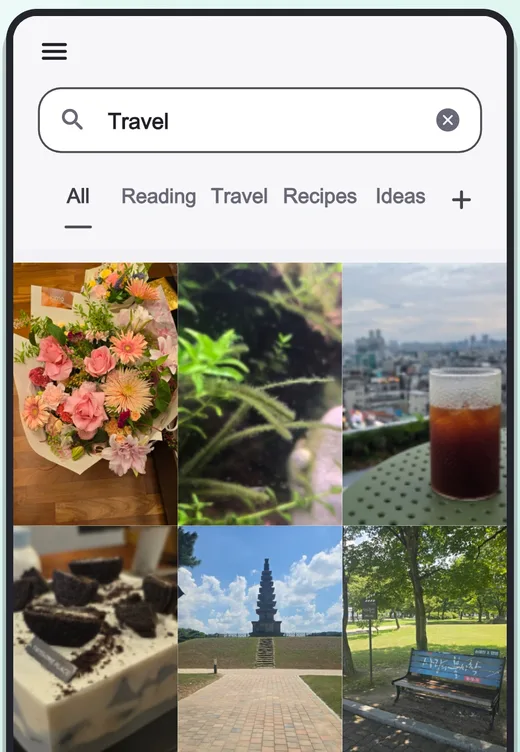
Search is the heart of I'll Save It. Type a keyword like "travel", "pasta", or "excel", and it instantly narrows everything you've saved down to what matches.
- Searches titles, content, and notes together. When you save a link, the app automatically fetches the page title, description, and preview image, so it's searchable without typing anything.
- Add a short note when you save and search gets even sharper. Save an Instagram brunch post with the note "Brooklyn brunch," and six months later just search "Brooklyn."
- No scrolling. Things you saved years ago come back in seconds.
Compared with the time I used to spend scrolling through Instagram and Facebook saved lists, this one feature was reason enough to install it.
Search saved TikTok and YouTube Shorts videos, too
Short videos stick in your head for a moment, then a few days later you can't remember which account posted them. I'll Save It works as a TikTok search app and Shorts search app for the videos you care about.
- In TikTok or YouTube Shorts, tap Share on a video you like.
- Choose I'll Save It and add a note like "meal prep" or "home workout."
- Later, search that keyword in I'll Save It and only your saved videos show up.
No more swiping up and down through TikTok favorites or saved Shorts. The more short videos you save, the more useful this becomes.
Instagram, Facebook, TikTok, Shorts, websites: everything online in one app
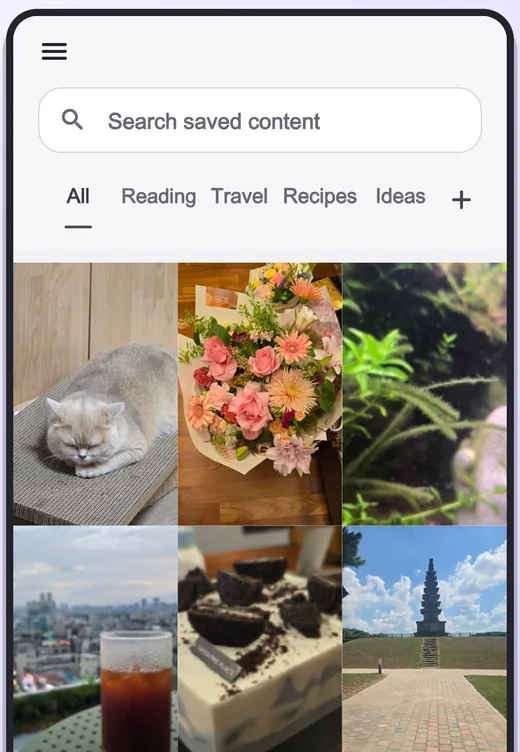
I'll Save It isn't tied to one social network. If an app has a Share button, you can save from it. No need for a separate Instagram saver and Facebook saver.
- Instagram, Facebook, and Threads post links
- TikTok, YouTube, and YouTube Shorts video links
- News articles, blogs, shopping pages, and any other website
- Images and copied text
Saving is simple: in the app you're using, tap Share → I'll Save It. You don't even have to open the app, so saving becomes a habit.
With everything in one place, it doesn't matter whether you saw something on Instagram or TikTok. Search I'll Save It and it finds it, wherever it came from. Managing everything you find online in a single app is what sets it apart from other bookmark apps.
Categories and automatic backup
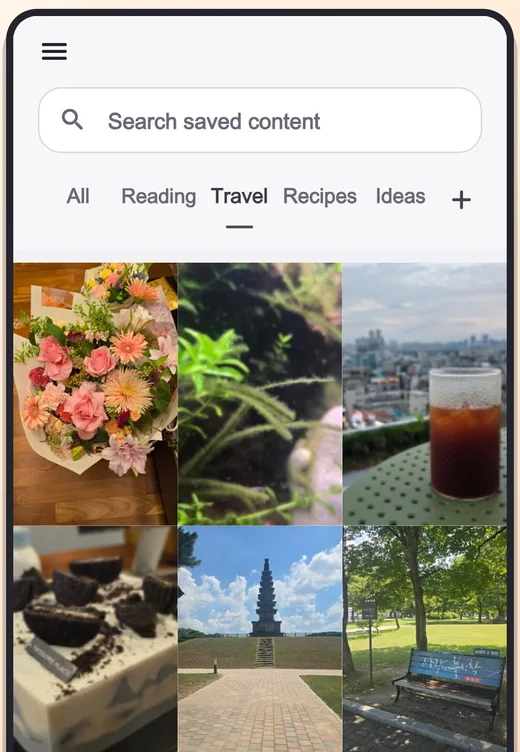
Beyond search, a few features make it easy to keep using long term.
- Categories: sort saves into groups like "Travel", "Recipes", or "Reading" and view one category with a single tap.
- Automatic backup: changes back up automatically to iCloud on iPhone and Google Drive on Android. Pick any of the 10 most recent backups to restore, so switching phones is safe.
- No account needed: start saving and searching right after you install, no sign-up or login.
- Dark mode support
How to use I'll Save It (3 steps)
- In Instagram, Facebook, TikTok, YouTube Shorts, or your browser, tap Share on the post you want to keep.
- Choose I'll Save It from the share sheet. Add a note and category if you like.
- Later, open I'll Save It and type a keyword in the search bar to find it right away.
FAQ
Is there a way to search my Instagram saved posts?
Instagram itself has no search for saved posts. Instead of Instagram's Save button, use Share → I'll Save It, and you can find the post later by keyword. If you've been looking for an Instagram saved posts app, this is the simplest approach.
Does it work for Facebook saved posts?
Yes. Choose I'll Save It from a Facebook post's share menu. Saved Facebook posts are searchable by title, content, and note.
Can I search saved TikTok and YouTube Shorts videos?
Yes. Tap Share on a TikTok or YouTube Shorts video and pick I'll Save It to save the link. Add a note and you can search your saved videos by keyword later.
Is it free?
You can save up to 100 items for free. For unlimited saves and no ads, there's an inexpensive yearly Premium subscription.
Does it work on iPhone and Android?
Yes. It's available on both the App Store and Google Play.
Verdict: a must-have if you save things and never find them again
Saving on Instagram, Facebook, TikTok, and Shorts only gets you as far as "collecting." I'll Save It adds search, so you can actually find and use what you collected. If you want one place for social posts, videos, websites, and images, or you're tired of scrolling through saved lists, give it a try.
Disclosure: I'll Save It was made by the person who runs App Review Lab. This review is written from a user's point of view and covers both the strengths and the weak spots.